 Oleon
OleonCatalog and POS
BetaOne product list. Everywhere you sell.
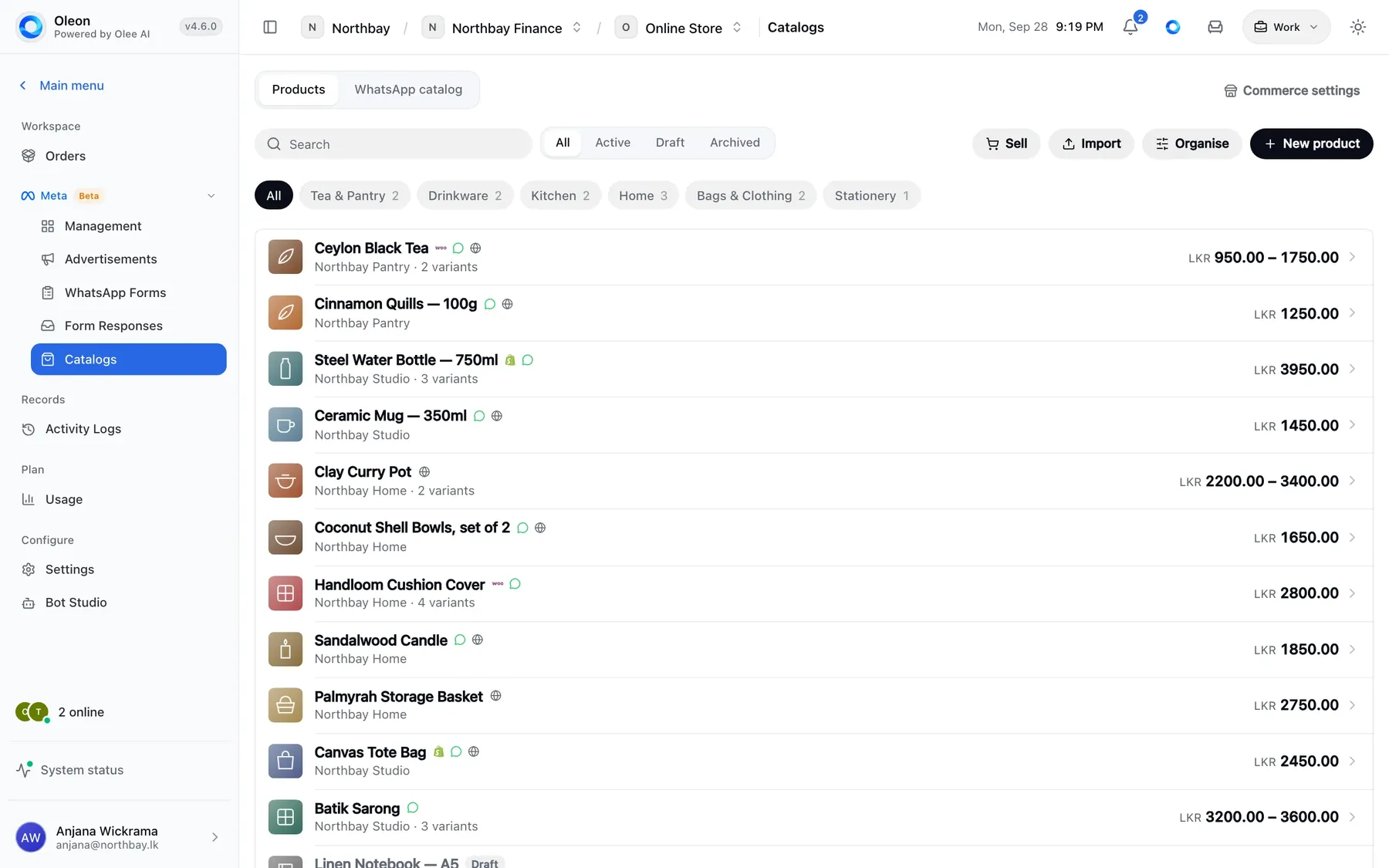
Your products, sizes, colours, extras and prices, all in one list that you control. Your till sells from it. Your chats sell from it. Each product shows only where you choose.
This is new and still being finished. Some parts on this page are not switched on yet.
Every product, in one list. Kept by you, in one place.
Billing counter
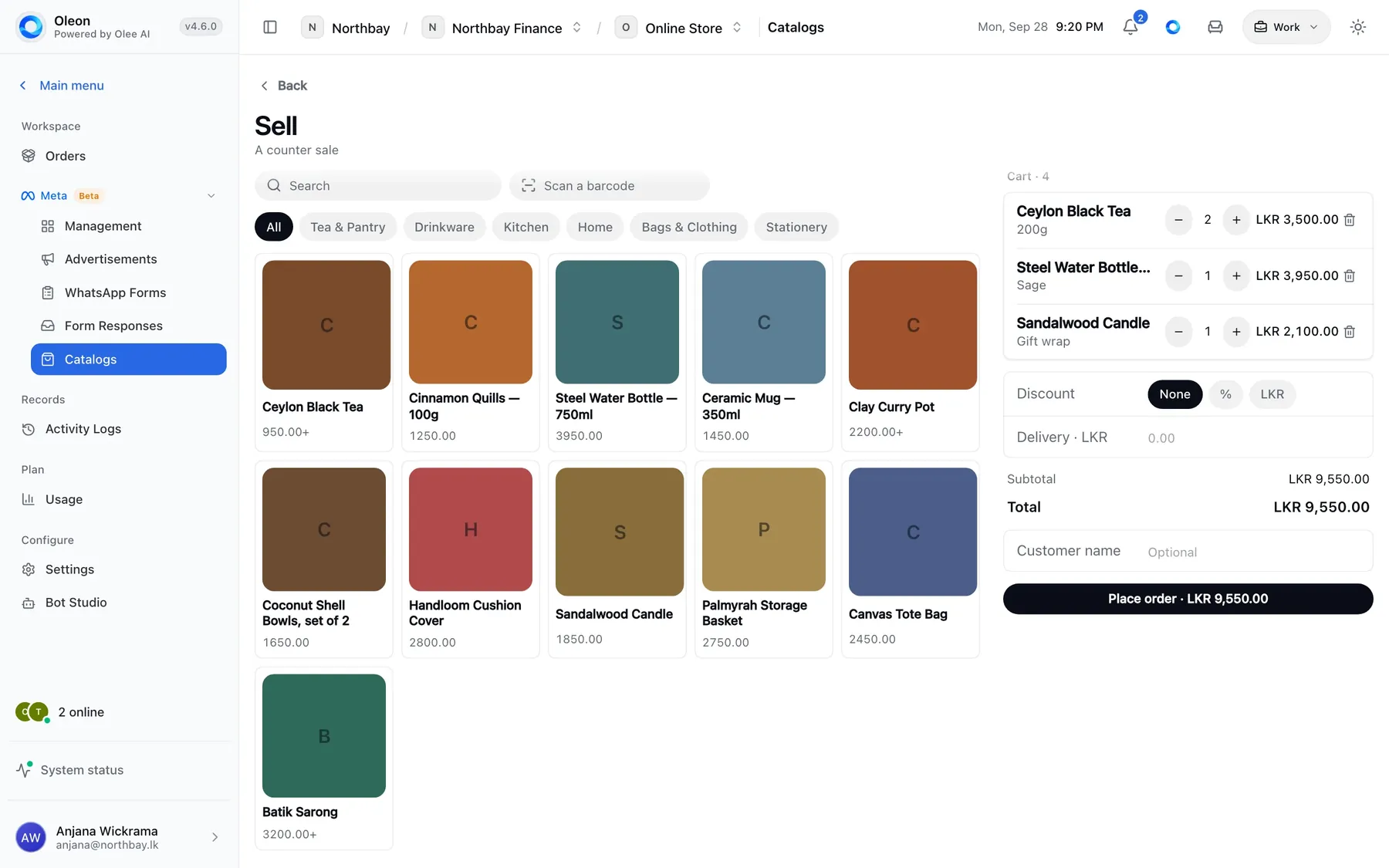
A till for your counter.
It sells from the same list your chats use.
The till. A big button for each product, sorted into groups. You can scan barcodes too. If a product comes in sizes, colours or extras, the till asks which one first, so the bill is right.
The bill. Change how many, add a discount, and see the total. When you place the order, every price is checked against your product list.
An example sale: a sage steel water bottle, gift wrapped, two ceramic mugs and a canvas tote bag scanned by barcode, with a 10% discount, placed as one order.
Products
What you can add to each product.
Works for a food menu or a clothes rack.
Sizes and colours. Each size and colour can have its own price.
Extras. Like extra cheese. Set them once, and choose how many a customer can pick.
Categories. Group your products the way your shop does.
Taxes. Set tax once. No need to add it to every price.
Barcodes. Scan it at the till and the product comes up.
Brands. Sort your products by who makes them.
Photos. Add several photos, in the order you like.
Bring in from Excel. Already have a product list? Bring it in.
You choose where. Show it on WhatsApp, on your web page, or nowhere.
Use your online shop. On Shopify or WooCommerce? Your products stay there.
Orders from a chat. Your staff make the order from the same list, while they chat.
Not ready, or gone. Hide a product until it is ready. Put it away when you stop selling it.
Your choice
Your products belong to you.
You choose where each one shows.
WhatsApp and other apps have rules about what you can sell there. Your list here does not. A pharmacy can keep its prescription medicines here and never show them online. Everything else goes where you want it.
Tech specs
What this one holds.
- Products in every size and colour
- Extras like gift wrap
- Categories and taxes
- Prices that always add up
- Stock for each branch
- Choose what shows on WhatsApp
- Items kept off WhatsApp
- A till with barcode scanning
- Discounts on any item
- Orders straight from a chat
- Your own shop page
- Your own web address
- Payments go straight to you
- Works with your online store
Questions
Before you ask.
The ones we hear most about Catalog and POS. If yours is not here, the answer is a message away.
Do you take a cut of what we sell?
No. Payments go straight from the customer to you. Oleon never holds the money.
We already have an online store. Does this replace it?
No need. Your store keeps your products, and Oleon just reads them. That way nobody edits the same product in two places.
Can people order from the shop page without signing up?
Yes. The order only counts once it arrives in your chat, so fake orders never reach you.
What about products WhatsApp does not allow?
Mark them as shop only. They stay in your list and your till can sell them, but they never show on WhatsApp.
Keep exploring.
More of what Oleon does.
All products

It starts with one conversation.
Bring the apps your customers already message you on into one place, and see what the rest of your week looks like.
Not ready to sign up? Join the waitlist and we will come to you.
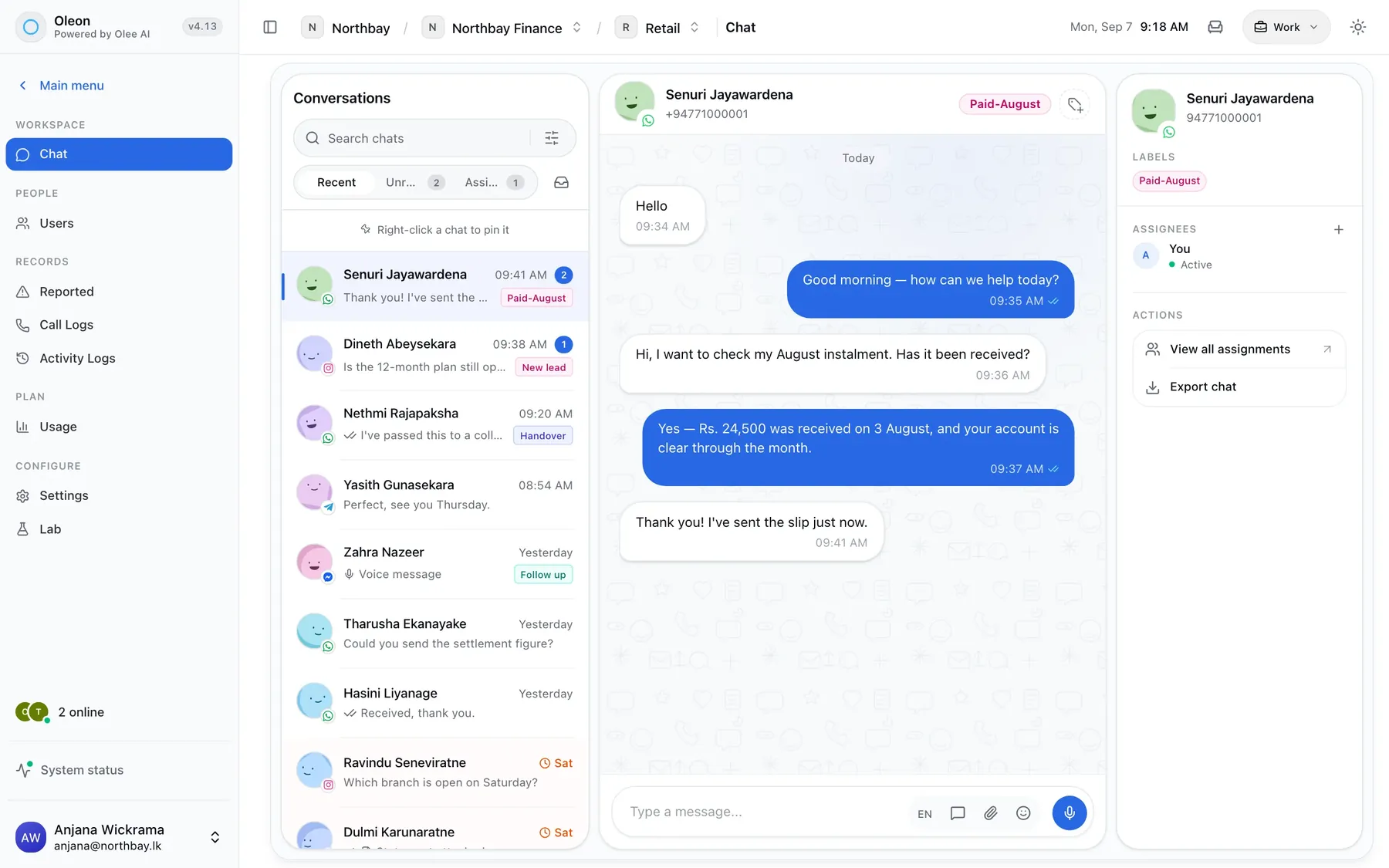
Photo by tian dayong on Unsplash